
Check that:
- You are using the same email address that received the WORKOFO invitation.
- There are no extra spaces before or after your email address or password.
- You have entered uppercase and lowercase letters correctly.
- You are using your personal password if you have already completed your first login.
If the temporary password does not work, or you have forgotten your password, use Remind password on the login page. Enter your email address and follow the instructions sent to your inbox. Also check your spam or junk folder. Password reset instructions
(https://support.workofo.com/support/solutions/articles/101000410647-i-forgot-my-password-what-can-i-do-)
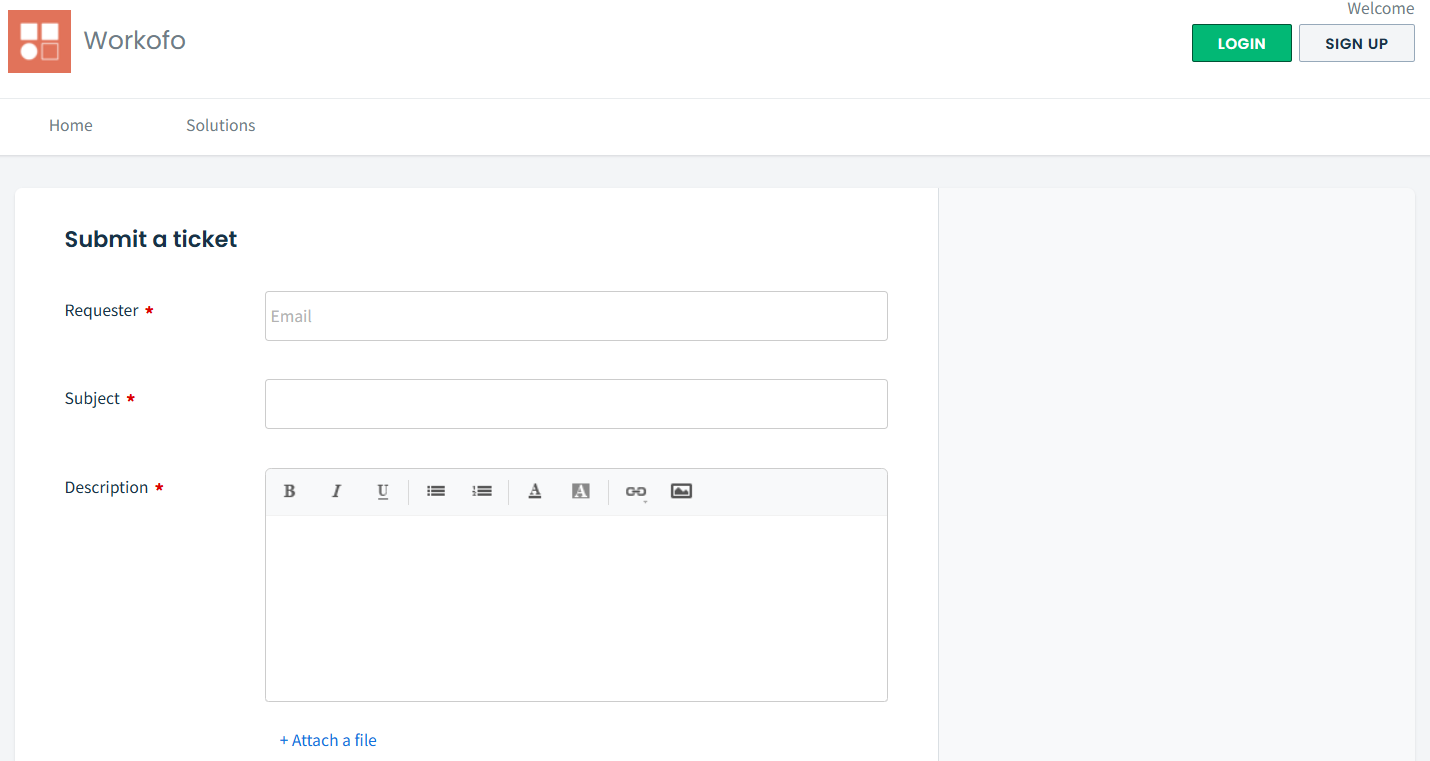
If you still cannot log in, contact your organisation’s WORKOFO administrator or submit a support request https://support.workofo.com/support/tickets/new. Include the error message or a screenshot, but never send your password.
Related articles:
I forgot my password, what do I do?
How do I invite a new manager to use WORKOFO?